

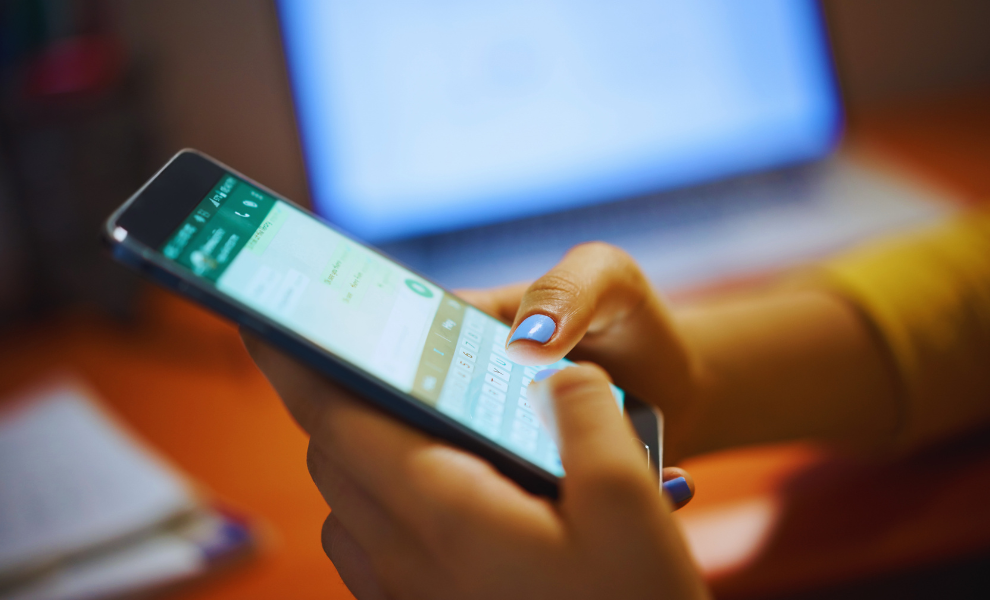
WhatsApp, the popular communication platform, has announced a major Android support update for 2026. It will officially stop working for versions lower than Android 6, which is Android 5.0 and Android 5.1, starting this September 2026. As mentioned in WABetaInfo, “Users still will be able to access WhatsApp as long as they are on the latest supported version of the app and running on Android 6 or newer.”
This change significantly affects millions of users who still rely on older versions. It applies to both WhatsApp Messenger and WhatsApp Business, while iPhone users have no update to this update. Alongside, iOS 15.1 or later versions will remain unaffected. WhatsApp is already starting to send display alerts to notify affected users of the change as soon as they open the app.
Why this Change Matters?
WhatsApp aims to continually develop new features while maintaining the minimum requirements. Older device versions and operating systems could not support the new functionality and struggled to keep up with the innovation. It may even slow down the rollouts.
By dropping these versions, WhatsApp could introduce new features, improved performance, enhanced functionality, and a more stable experience for users on new devices. Even though the Android system is moving towards Android 17, a large number of users still rely on outdated devices. This change mainly affects regions such as Brazil, South Asia, Africa, and India, where smartphones are widely used.
What WhatsApp Suggested for Users?
As stated in WABetaInfo, “WhatsApp suggests that users back up their chats before the data to avoid losing important conversations.” Alongside, users are advised to check their Android versions immediately. To do so, follow the steps below:
- Step 1: Open the Settings app on your Android phone.
- Step 2: Click on “About device” or “About phone”
- Step 3: Check out the software information to get your Android version.
If their device supports upgrading to Android 6.0 or higher, installing the update can help them continue using WhatsApp. As mentioned above, users can back up chats through Google Drive or local storage, keeping their data safe when moving to a compatible device that supports WhatsApp’s new versions.
WhatsApp is also working on a new feature called notification bubbles that allows conversations to look like floating icons on the screen. Meanwhile, regarding the change, users should start taking the necessary steps to avoid disruptions when support ends.
Stay updated on the latest news by visiting our site now.
Read More:
Generate AI Images on WhatsApp Using ChatGPT Easily; Here is a Step-by-Step Guide