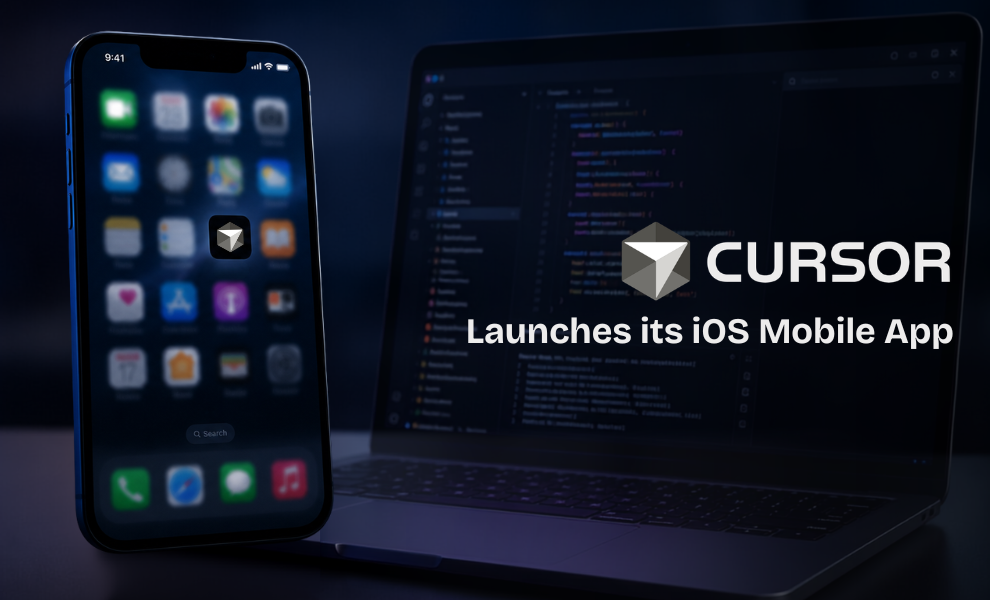
The popular AI coding agent, Cursor, has launched an iOS mobile app in public beta that allows developers to manage coding agents directly from their smartphones even when away from their desktops. The release is part of an effort by Anysphere, the San Francisco-based company behind Cursor, to make AI coding agents accessible from anywhere.
Through the Cursor for iOS app, you can easily launch agents in the cloud, control agents running on your computer from your phone, review generated code, or merge PRs with ease.
What Makes the Cursor Mobile App Different?
In its announcement, Cursor highlighted that developers initially relied on local machines, staying caffeinated and keeping laptops half-open wherever they went. However, the new mobile app addresses this concern and makes it easy to launch an AI agent.
How to Launch an AI Agent From Your Phone?
All you need to do is perform the simple steps mentioned below:
- Open the Cursor mobile app.
- Choose the repo.
- Launch an agent in the same way it’s done on the desktop app.
- Choose any frontier model.
- Share loudly what you want the coding agents to do.
- Use slash commands to give instructions to Cursor.
The app also introduces Remote Control, allowing developers to continue managing coding agents running on their computers without returning to their desks. Alongside, you can enable a setting to keep a computer awake when you are away.
Key Tasks You Can Handle with Cursor for iOS Mobile App
- You can handle incidents directly from your phone. The agent works on your behalf. Simply start it to work on a fix while you’re away, and you will have a PR ready for review by the time you’re back.
- Resolve customer issues right from your phone by kicking off an agent to check the code and work towards the fix.
- Developers can take a screenshot, annotate it, send it to the agent, and get the UI changes done.
Once the agents start the task, you can leave the app. There are certain features, such as voice input, Live Activities on the iPhone, slash commands, and push notifications, to keep users updated when an agent completes a task, needs input, or is ready for a review. One noteworthy point is that the cloud agents generate logs, demos, and screenshots that make it easy to review their work.
As mentioned in Cursor’s announcement, the agents run in isolated virtual machines with full development environments that enable testing, verification, and demos. As they operate asynchronously with their own tools and resources, cloud agents can run for longer and continue processing merge-ready PRs without intervention.
Cursor’s iOS Push Amid the AI Coding Race
The launch comes amid growing competition from AI leaders such as OpenAI and Anthropic, that allows developers to monitor AI agents from mobile devices. The company is working on adding the functionality to create repo-less chats to make it easier to kick-start tasks that do not require codebase context.
Cursor for iOS is currently available in public beta on all paid plans, with promotional discounts on Composer 2.5 runs in the mobile app through July 5, 2026.
To stay updated with the latest news and happenings globally, head over to our website now!
Recommended For You:
The Next‑Generation Apple Intelligence and Siri AI Debut for iOS 27 at the WWDC 2026
Meet Character.AI: How It Works, Benefits, Use Cases & Safety Tips for Teens