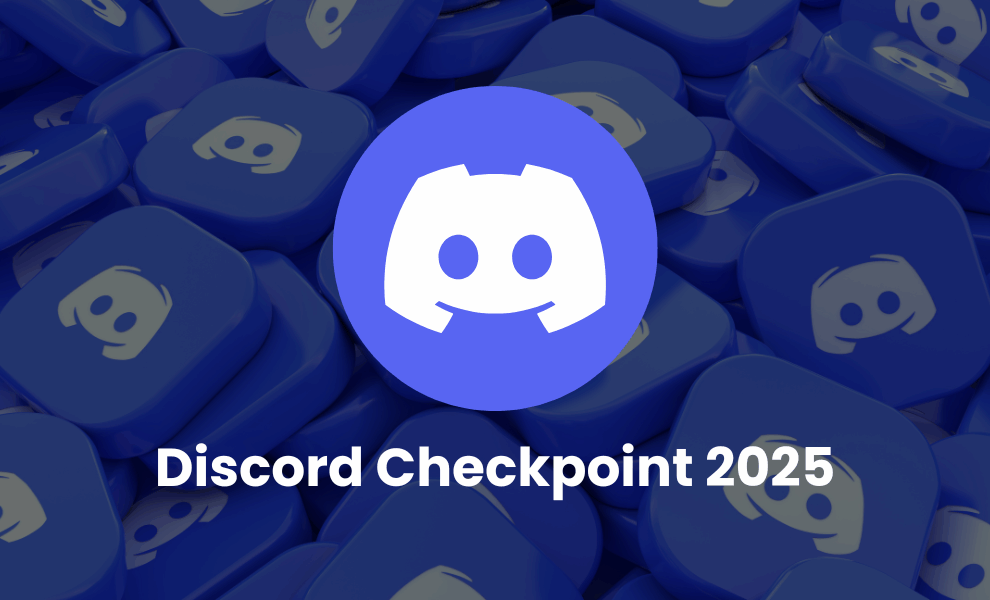
Discord has just launched its Spotify Wrapped-like yearly rundown, Discord Checkpoint, to let users see how they engaged on the platform throughout 2025. With yearly activity recaps becoming a trend across areas, Discord wrapped aims to celebrate every message, reaction, and meaningful moment that users have shared on the platform.
As Discord expresses, “You didn’t just use Discord this year… you shaped it. MOLDED IT, like a big ball of pizza dough.” The end-of-year recap, Discord Checkpoint, combines the many messages you sent, the voice channel hours you spent, the top emojis you reacted with, your top server, and who you talked to the most in 2025.
Alongside that, Checkpoint offers a personalized card for users with a matching Avatar Decoration. Users will continue using their personalized avatars until January 15, 2026. While making the activity recap private to each user, Discord enables them to decide who they want to share it with.
Notably, Discord has a monthly user base of more than 200 million users across the globe. In 2025, Discord users sent 744 billion messages and 25.7 billion reactions, which is nothing less than a milestone. Alongside that, Discord Checkpoint also highlights the top five emojis of 2025, including love, sob, fire, joy, and green tick box.
So, how do you see your Discord Checkpoint? Here is a guide…
How to See Discord Checkpoint on Mobile?
- Update Discord on your mobile to the newest version.
- Open the application and click your profile picture.
- Find the Checkpoint banner feature in the ‘You’ tab.
- Click on Discord Checkpoint 2025 to view your recap of the year.
How to See Discord Checkpoint on Desktop?
- Access Discord through the app or the web on a browser.
- Find the small flag icon in the top-right corner.
- Click on the icon and start viewing your Checkpoint.
Nevertheless, many users have not seen Checkpoint on their Discord. If you are also unable to see the same, ensure that you update your Discord to the latest version. The feature has been rolled out globally. So, even if you haven’t seen your yearly recap yet, you will soon.
Check out our latest news and stay aligned with the emerging tech trends and updates!
Recommended For You: